 Image 1 of 1
Digital Product & Refund Policy
Because this is a digital product delivered immediately after purchase, all sales are generally final.
Please review the Device & App Requirements above before purchasing to make sure the planner is compatible with your device.
Having trouble getting your planner to work? Contact us at connect@mybrotherjohndpand.co. We’re happy to help troubleshoot technical issues.
If we determine that the interactive planner cannot function as intended on a compatible device/app after troubleshooting, please contact us within 7 days of purchase and we’ll work with you to resolve the issue or provide a refund when appropriate.
Refunds will not be issued for:
Change of mind after downloading the product
Purchasing the wrong planner
Failure to review the listed device/app requirements before purchase
Preference for a different layout, design, or planning style
The Story Behind MY LIFE
Hi, I’m Naomi.
MY LIFE started with my brother, John.
After our parents died, I became John’s caregiver and guardian, and I found myself managing more and more of the details of his life—appointments, activities, schedules, responsibilities and changes.
But eventually I started asking a different question:
How much of this could John participate in planning for himself?
Visual calendars, pictures, simple words and accessible planning gave John more information—and a bigger role in his own life.
That experience, combined with my 32 years in education, helped shape MY LIFE.
I created this planner because I believe the person whose life is being planned should have a meaningful role in planning it.
John inspired MY LIFE. But this isn’t John’s planner.
It’s yours

What’s inside your planner?
Everything You Need to Plan Your Week — Your Way
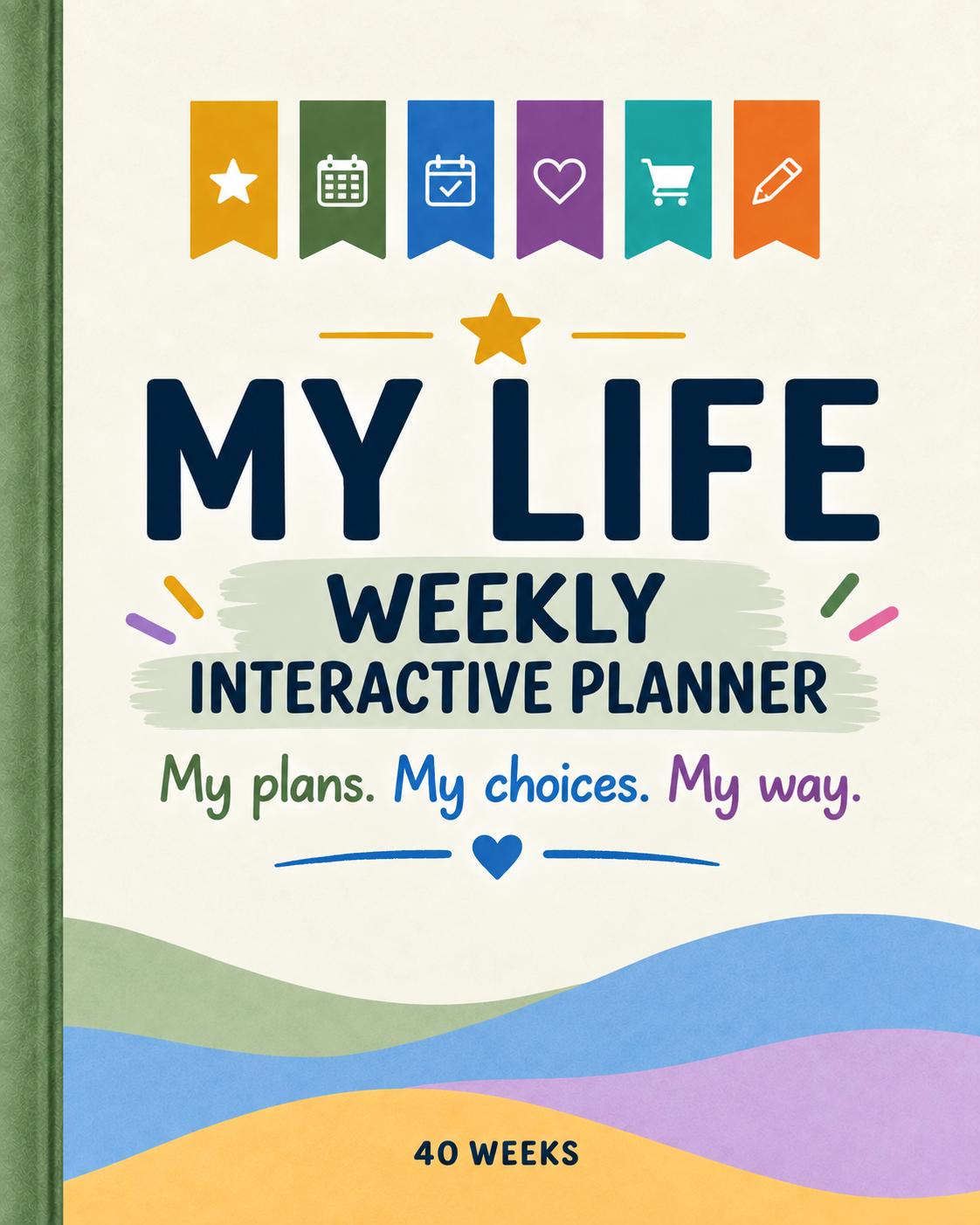
The MY LIFE Weekly Interactive Planner includes 114 pages designed to help organize everyday life while encouraging choice, participation, and independence.
Inside you’ll find:
40 undated weekly planning spreads — start any time of year and plan one week at a time.
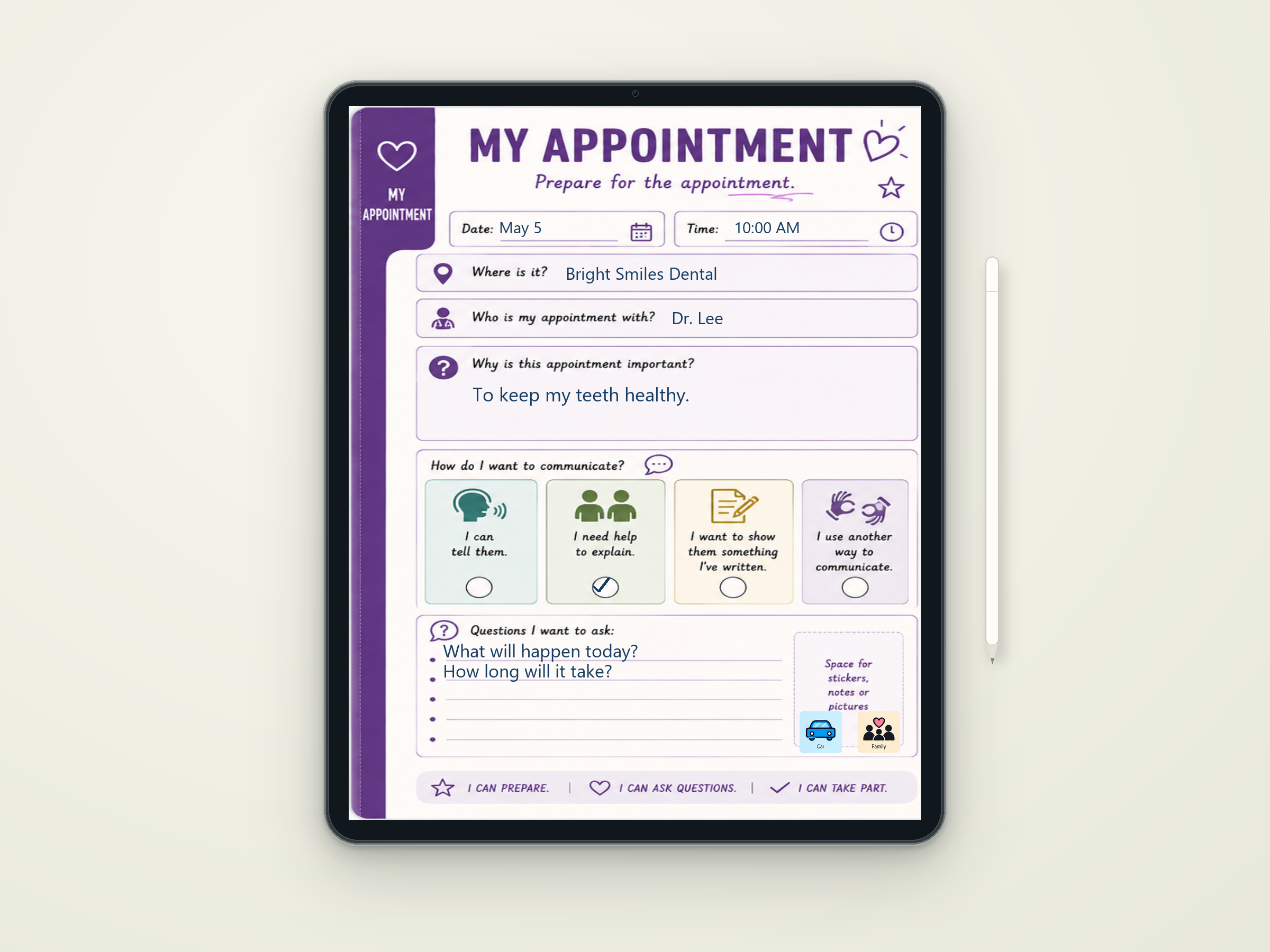
Fillable date and planning spaces — type directly into the planner instead of printing and writing by hand.
Visual planning tools — use pictures and simple visual cues to make schedules easier to understand.
Interactive stickers — move visual stickers into the planner to personalize schedules, activities, appointments, and plans.
Space for appointments and important events — keep the details of the week together in one easy-to-see place.
Personal choice and preference pages — make the planner about the person using it, not simply the person managing the schedule.
Goals and routines — create visual reminders for things you're working toward and routines that matter.
Notes and important information — a place to keep information you want available throughout the planner.
This isn't a planner designed to plan someone's life for them. It's designed to help them participate in planning it.
See What MY LIFE Can Do…
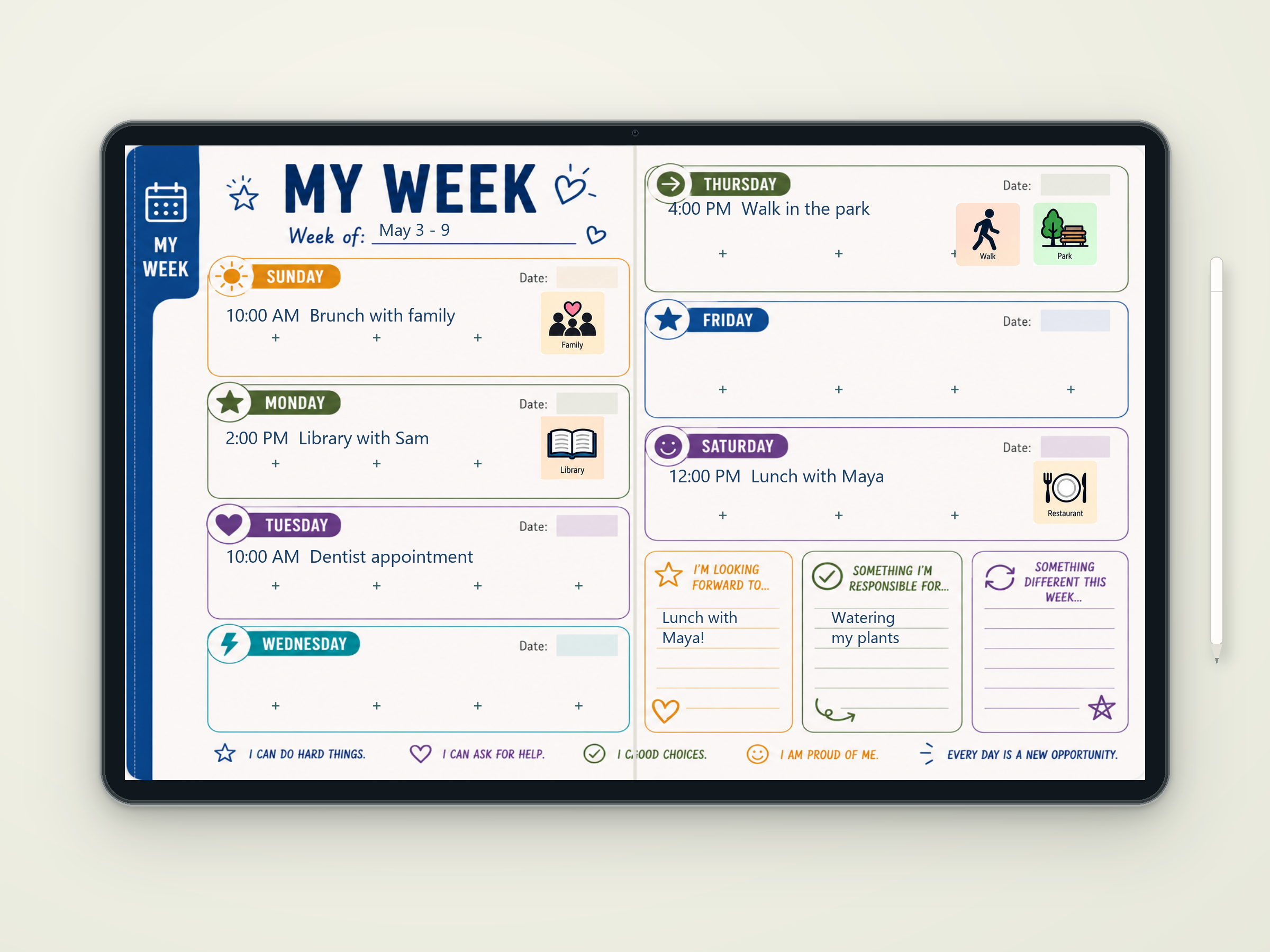
Plan it. Personalize it. Make it yours.
Type directly into the planner, add important details, and use visual tools to create a weekly plan that makes sense to the person using it.
The interactive version was designed to be used, not simply viewed. Fillable spaces make it easy to add plans and information, while visual stickers help make schedules more personal, engaging, and easier to understand.
How it works…
PURCHASE → DOWNLOAD → OPEN → START PLANNING
After purchase, download your MY LIFE Planner and open it on a compatible device. Because the planner is undated, there’s no January start date and no wasted weeks. Start with week 1 whenever you’re ready and work through all 40 weeks at your own pace.
IMPORTANT- Before you purchase
Using Your Planner on a Laptop or Desktop
For laptop and desktop computers, we recommend Adobe Acrobat Reader. You can type directly into the planner, save your information, and use its interactive PDF features.
Using Your Planner on an iPhone or iPad
For iPhone and iPad, we recommend PDF Expert for the best interactive experience, particularly when adding photos and using movable elements.
Using Your Planner on an Android Phone or Tablet
Adobe Acrobat is available for Android and supports interactive PDF forms. Adding or editing photos directly within a PDF may require a paid Adobe Acrobat subscription. An alternative PDF editor such as Xodo may also be used for adding and positioning photos. Adobe Help Center
Important: This is an interactive PDF, not a standalone app. Features may vary depending on your device and the PDF application you use. We recommend downloading and saving the planner to your device before beginning.